
App Support

Monitor and know your medicine is safe
(In Development Stage)
The Vault Controller App serves the function of connecting and controlling all of the models from one handy location and monitoring vitals like temperature and humidity. Once paired up with the unit, the Vault Controller App provides the security against unauthorized use from children or others. Below are screenshots of the app and its functions.

Direct any inquiries to support
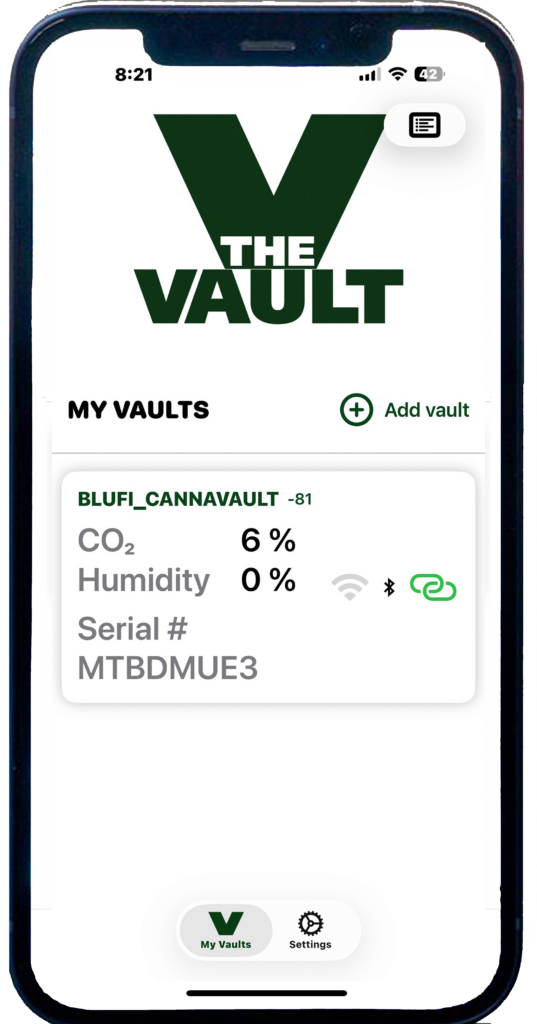
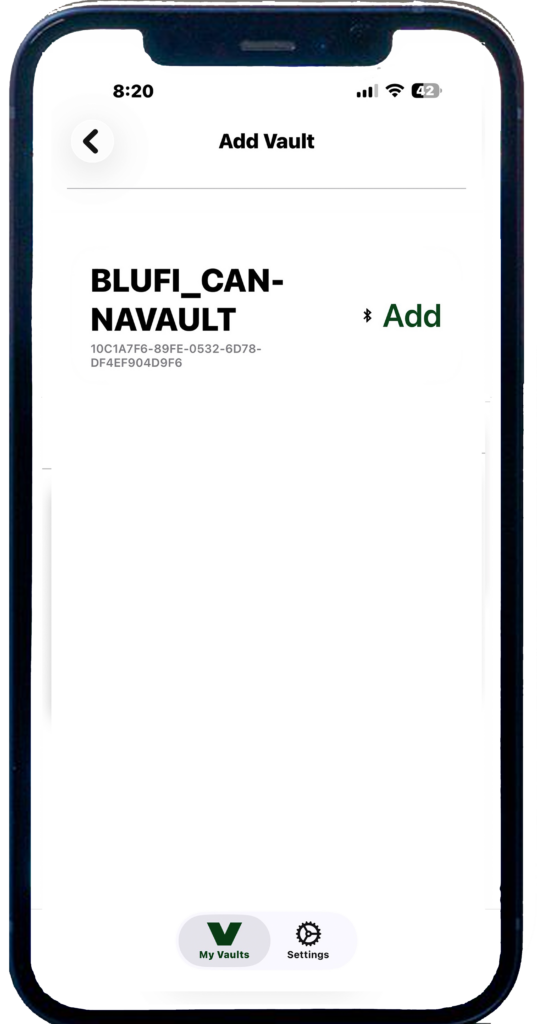
When you first open The Vault Controller app, it should automatically recognize your Vault thru Bluetooth connection. If your Vault does not appear, press Add Vault.
Your Vault will appear on the screen and press Add to load the Vault
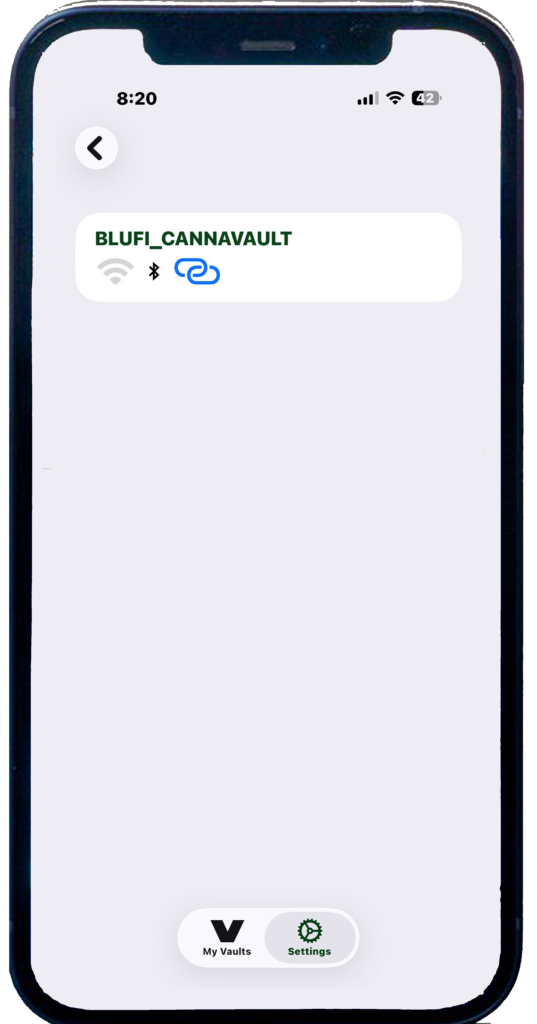
Once your Vault is loaded into the app press the blue link to activate the connection.
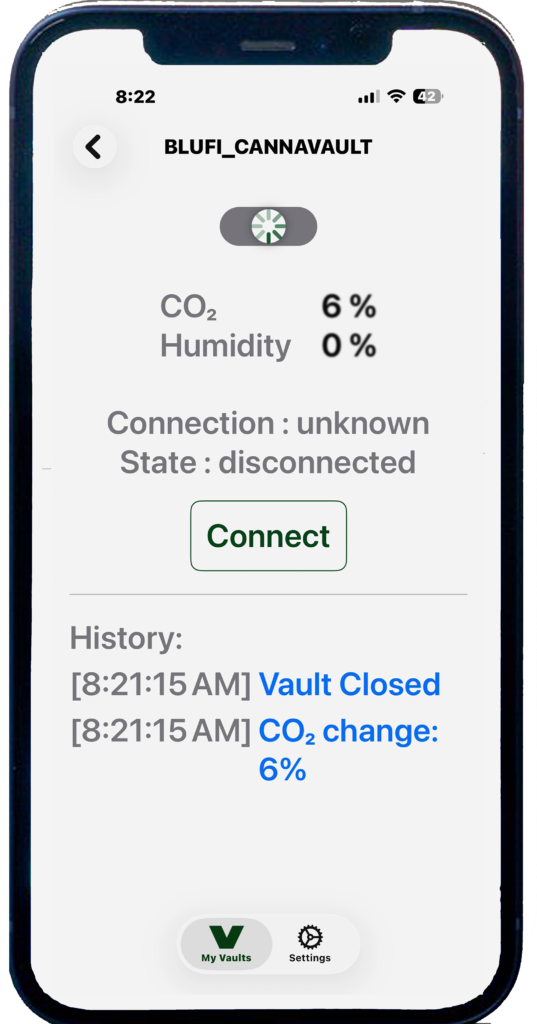
This screen shows history and allows you to connect to open your Vault.
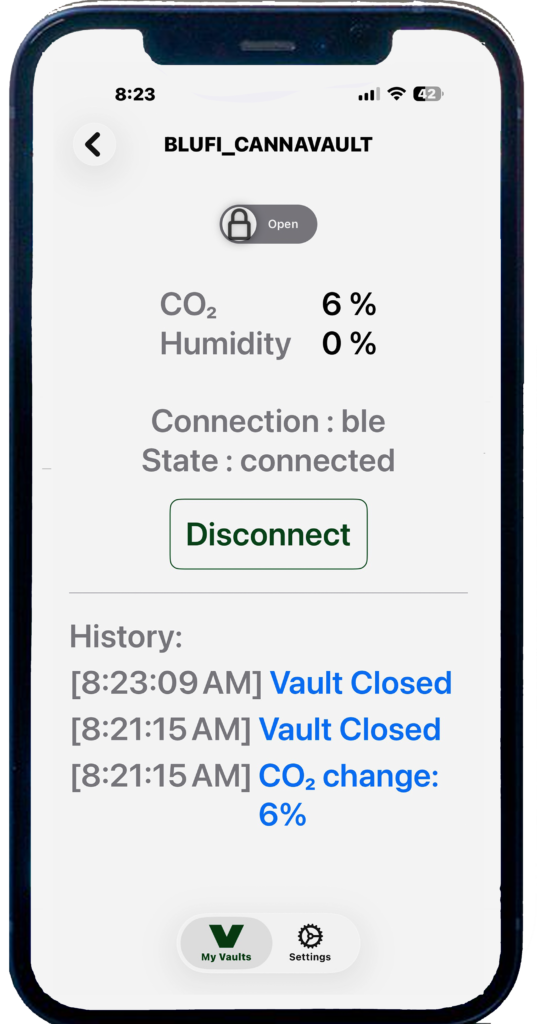
Press open to open your Vault, close
and disconnect when finished.
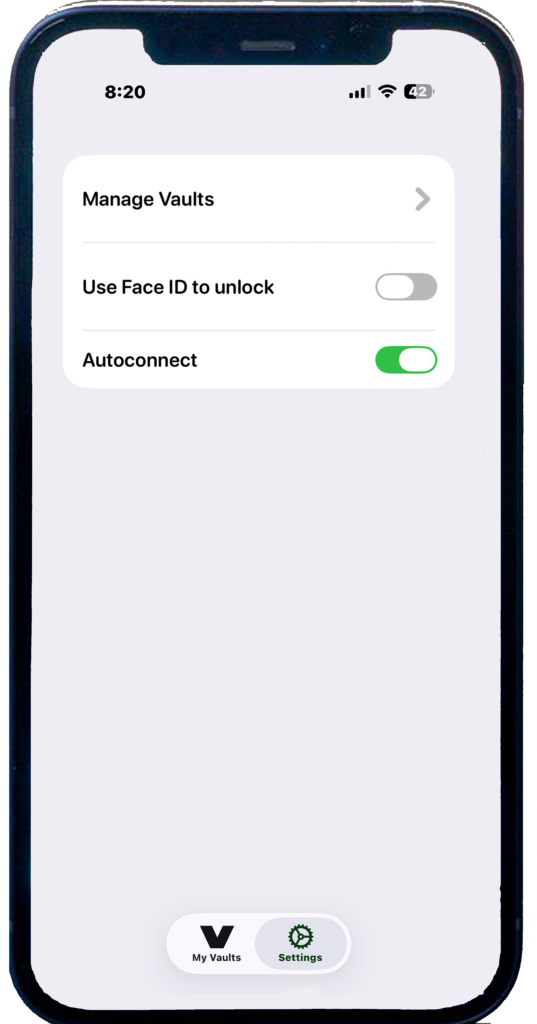
In Settings, you can set extra security with Face ID and manage your Vaults.
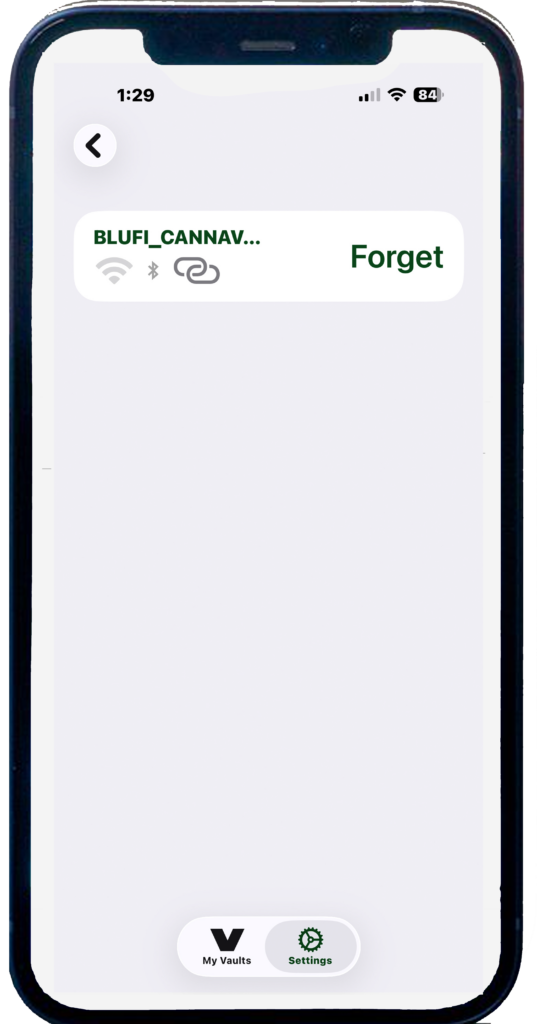
In Settings, you can manage your Vaults. Add another Vault or disconnect and forget your Vault.